
How to Add a Photo or Video Message to Your Flower Delivery
Every week someone calls us after placing an order and asks the same question: can the courier show my recipient a video when they hand over the bouquet? The answer is yes, and the process is simpler than most people expect — but there are a few steps to get right so the message actually reaches the person at the door instead of sitting unread in a chat thread. Here is exactly how it works, what files we can handle, and what to double-check before you confirm your order.
Why a Video or Photo Message Changes the Whole Delivery
A bouquet on its own lands well. A bouquet plus a thirty-second video of you speaking directly to the recipient lands completely differently — and customers who have tried it almost never go back to a plain card. The reason is simple: flowers are visual and immediate, but they carry no voice. When someone opens the door and the courier hands them a phone showing your face before they have even touched the stems, the emotional sequence is reversed in the best possible way. They hear you first, then they see the flowers, and that order sticks in memory.
From a practical standpoint, adding a video or photo also solves a common problem with surprise deliveries in Russia: recipients sometimes hesitate to accept a bouquet from a stranger if they do not understand who sent it. A short clip playing on the courier's device removes all ambiguity immediately. The sender's face and voice are the confirmation.
We see this format used most often for birthdays delivered to an office, for anniversary bouquets sent when the sender is traveling, and for any situation where the person ordering cannot be present. A tight bunch of garden roses — say, twenty stems of a spray variety like Lydia or a classic large-headed variety like Explorer — already makes a strong visual impression at the door. Pair that with a personal clip and the whole delivery becomes a coordinated experience rather than just a transaction. The florist's job is to make sure the flowers and the message arrive together and in good condition.
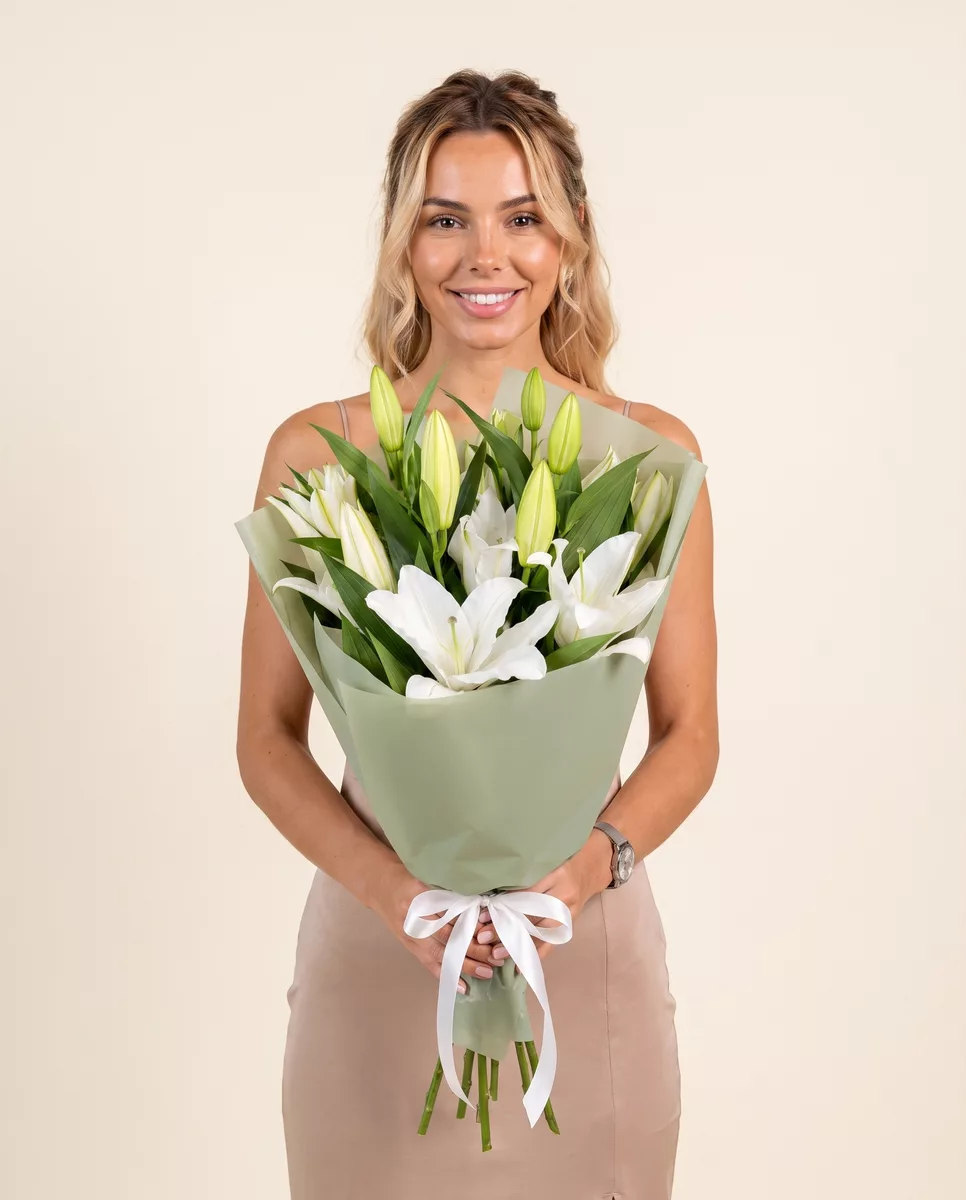
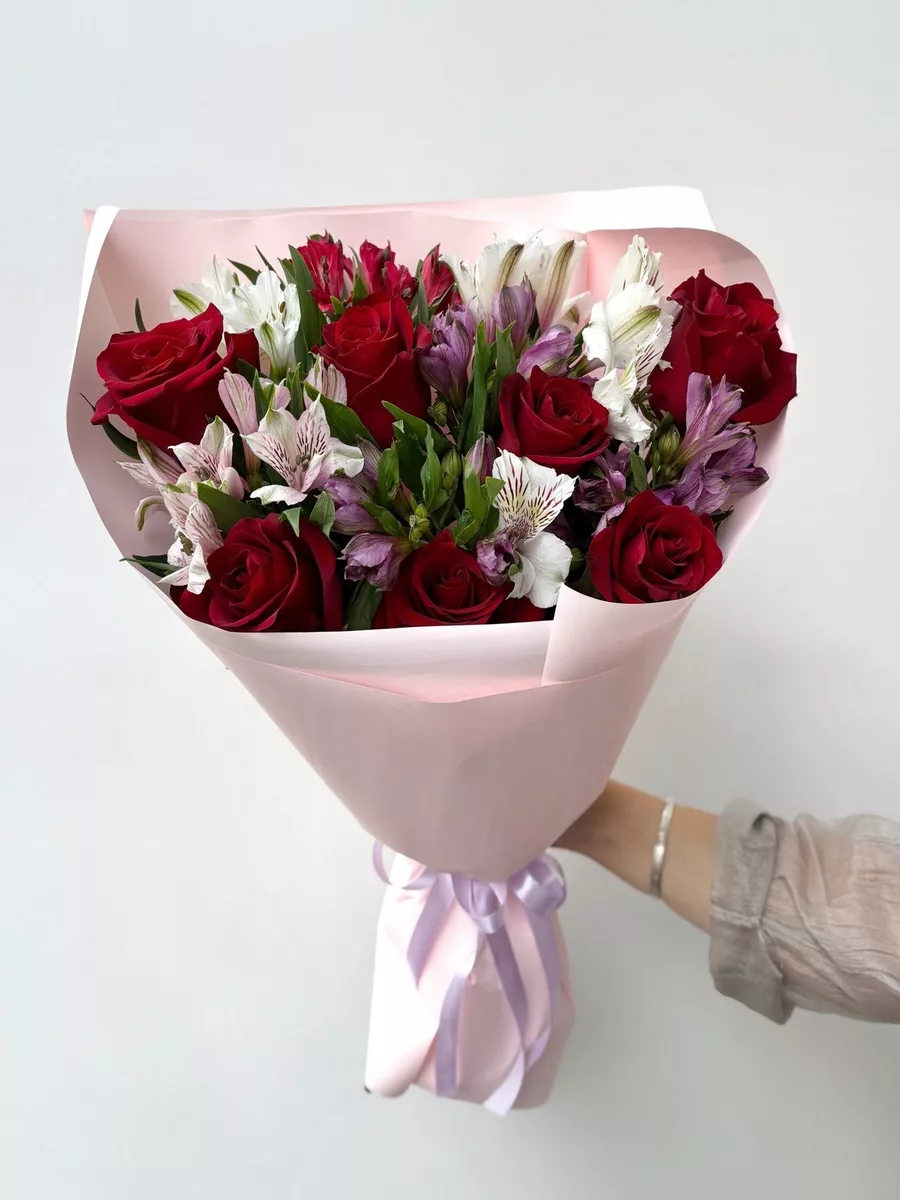
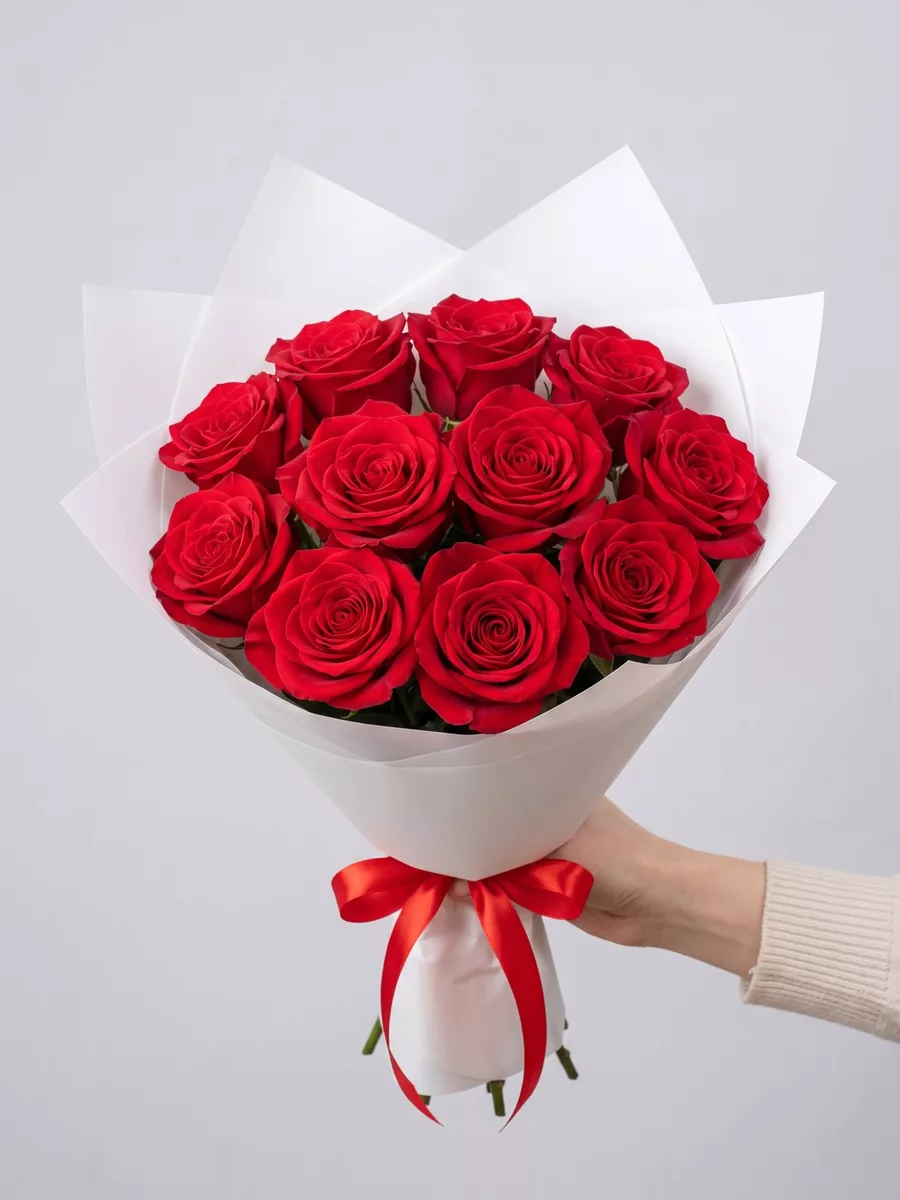
Bouquets we can deliver

What File Formats and Lengths Actually Work
Before you record anything, it is worth knowing the technical constraints so you do not spend twenty minutes on a clip that cannot be transferred. We accept video files in MP4 format — this covers recordings made on any modern iPhone or Android phone without any conversion needed. MOV files exported directly from an iPhone also work. The file should be under 100 MB, which in practice means a clip of up to about three minutes recorded at standard smartphone resolution fits comfortably. Anything longer than two minutes is rarely necessary; the courier is standing at a door, not running a screening.
For photo messages, JPEG and PNG files are both fine. A single portrait-orientation photo works best because the courier holds the phone vertically when showing it. If you want to send a small gallery — say, three or four photos telling a short story — that is possible, but keep the total number low so the recipient is not scrolling through images while holding a wrapped bouquet.
One thing that does not work: links to Instagram Reels, YouTube videos, or Google Drive folders. We cannot guarantee internet connectivity at the delivery address, and we will not ask the recipient to tap a link on their own phone before they have even said hello. The file needs to be downloaded and stored locally on our courier's device before the route starts. If you send us a streaming link, we will ask you to resend the actual file, and that exchange takes time — time that can compress your delivery window if you ordered for a specific hour.
How to Send Your File When You Place the Order
The cleanest method is to attach the file directly in the order comments field on our website — there is an upload button in the checkout form specifically for this. If the file is too large to attach there, send it to our WhatsApp number immediately after you complete the order and include your order number in the first message so we match it to the right delivery without delay. Do not wait until an hour before the delivery window to send the file. Our couriers load their routes and download materials before they leave the shop, so a file that arrives late may simply not make it onto the device in time.
If you are ordering by phone, tell the operator during the call that you have a video or photo to attach. They will give you the direct contact to send it to and note the attachment requirement on the order. This is important because a standard order without that note will not prompt anyone to check for incoming media.
Timing is the single most common failure point we see with this feature. Someone places an order for an 18:00 delivery, the file is ready, but they send it at 17:40. The courier left the shop at 17:15. The file never makes it. As a rule, send your video or photo at least three hours before the start of your chosen delivery window. If you are ordering same-day for our one-hour delivery slots, send the file within fifteen minutes of placing the order and confirm with the operator that it has been received and attached to the route.
Recording a Message That Works at the Door
The courier will hold the phone horizontally or vertically depending on how you recorded the clip, so shoot in the orientation that shows your face clearly. Natural light from a window behind the camera — not behind you — gives a clean image without any effort. Avoid recording in a moving car or a loud restaurant; the recipient is hearing you for the first time in a slightly charged moment, and if the audio is muddy the message loses half its impact.
Keep the opening line direct. Say the recipient's name in the first two seconds. People standing at a door holding flowers and watching a video on a stranger's phone need an immediate anchor. Something like their name followed by the occasion works perfectly: you do not need to build up to it. If you are sending the bouquet as a surprise for a birthday, you might mention what flowers are in it — a recipient who hears that the arrangement contains their favorite ranunculus or a cluster of sweet peas will look at the bouquet differently when the clip ends.
If you are sending a photo instead of a video, write a short caption in the order comments that the courier can read aloud or show on screen alongside the image. A photo of the two of you at a specific place, with a one-line caption explaining why that place matters, lands harder than a solo portrait with no context. The florist assembling the bouquet does not need to know any of this, but the courier does — so put the caption in the order notes, not in a separate message.
Coordinating the Message With the Right Bouquet
The flowers and the message should reinforce each other, not work in parallel. If your video mentions a specific flower — and mentioning one is a genuinely good idea because it shows you chose deliberately — then that flower needs to be in the bouquet. This sounds obvious but we see mismatches regularly: a sender records a clip saying they picked white peonies because of a shared memory, and the order is for a mixed seasonal arrangement with no peonies. Either align the clip with the order or leave the specific flower name out of the recording.
For video deliveries, we recommend bouquets with a clear visual identity rather than very dense mixed arrangements that are hard to read quickly at a door. A mono-variety bouquet of twenty-five tulips in a single color, or a structured bunch of large-headed roses like Avalanche or White O'Hara, reads immediately on a small phone screen when the courier turns the camera toward the flowers at the end of your clip. A tightly packed garden-style arrangement with eight or ten varieties is beautiful in person but can look like a blur in a short video.
Also think about the packaging. Our standard kraft paper wrap and ribbon holds well during transit and photographs cleanly. If your video is shot in warm tones — indoor evening light, for instance — ask for a wrap color that does not clash with the palette. A dark green or burgundy wrap against warm-toned roses looks intentional. A bright white wrap against the same flowers looks clinical. These are small details, but they are the details that make a delivery feel considered rather than assembled.
What to Check Before You Confirm the Order
Run through this list before you hit the confirm button. First, is the delivery address complete — building number, entrance number, floor, and apartment? In Saint Petersburg, many residential buildings have multiple entrances numbered separately, and a courier standing outside the wrong entrance with a bouquet and a loaded video on their phone cannot deliver either one. Second, is the recipient's phone number correct? We call ahead to confirm someone is home, and if we cannot reach the recipient we cannot guarantee the door will open.
Third, have you confirmed that the recipient will actually be at the address during the delivery window? Surprise deliveries to homes work best when you know the person's schedule. Surprise deliveries to offices work best on weekdays between 10:00 and 17:00, before people start leaving. A video message that plays in an empty hallway because the recipient left early is a missed moment that cannot be recovered.
Fourth, check that your file is attached and confirmed by our team. Send a quick message asking for confirmation of receipt — it takes thirty seconds and removes all ambiguity. Fifth, consider the temperature on the day of delivery. Flowers transported in summer heat above 25 degrees Celsius need to move quickly, and our couriers prioritize speed in those conditions. If you are ordering a delicate variety like lisianthus or sweet peas in July, choose the earliest available delivery slot rather than an evening window, because the flowers will look their best in the first hours after leaving the shop. The video message will land the same whenever it plays, but the bouquet has a peak — and that peak is as close to the shop as possible.
Adding a video or photo to a flower delivery is not a complicated feature — it is a logistics question with a clear checklist. Get the file format right, send it early, align what you say in the recording with what is actually in the bouquet, and confirm that the courier has the file before the route starts. When all of those pieces are in place, the recipient opens the door and gets two things at once: flowers chosen for them specifically, and your voice or face explaining why. That combination is harder to forget than either one alone. We deliver bouquets across Russia in 1–2 hours.
Frequently asked questions
Can I send a voice note instead of a full video clip?
Yes. A voice recording saved as an MP3 or M4A file works the same way as a video — the courier plays it on their device at the door. It is a good option if you are not comfortable on camera. Keep it under two minutes and send it with your order number so we attach it to the correct delivery route.
What happens if the recipient is not home when the courier arrives?
We call the recipient before arrival to confirm they are available. If they are not reachable, the courier will wait a short time and attempt contact again. If delivery cannot be completed, we will contact you to arrange a new window. The video or photo file stays on the courier's device and will be shown on the rescheduled attempt.
Can I send a video message with a same-day one-hour delivery?
Yes, but the file must be sent within fifteen minutes of placing the order. Our couriers prepare their routes before leaving the shop, so there is a hard cutoff for loading media onto devices. Call us immediately after ordering to confirm the file has been received and is attached — do not rely on the upload alone for same-day orders.
Will the courier show the video before or after handing over the flowers?
Before. The standard sequence is: courier introduces the delivery, plays the video or shows the photo on their device, then hands over the bouquet. This means the recipient hears or sees you first, which is the moment of recognition. If you prefer a different order for a specific reason, note it in the order comments.
Is there an extra charge for adding a video or photo message to the delivery?
There is no separate fee for attaching a file to your order. The service is part of the delivery. What matters is that the file meets the format requirements — MP4 or MOV for video, JPEG or PNG for photos — and is sent to us early enough for the courier to download it before the route begins.
Ready to send a bouquet?
Pick a city, choose the flowers, and we will hand them over with a photo confirmation.
Choose a city →