
5cv.ru in English: Language Options, Switching and What to Do in Russian-Only Pages
Customers outside Russia, expats living in Saint Petersburg, and anyone sending flowers to a Russian address as a gift all ask the same question within the first minute of landing on 5cv.ru: is there an English version of this site? The short answer is that the site is primarily built in Russian, because the overwhelming majority of orders come from Russian-speaking customers across the country. That said, there are practical ways to navigate the catalogue, place an order and track delivery without speaking a word of Russian, and this article walks through every one of them in the order you will actually need them.
What Language the Site Uses by Default and Why
When you open 5cv.ru for the first time, your browser receives the Russian-language version of every page. This is intentional: the shop is based in Saint Petersburg and delivers across Russia, so Russian is the working language of the catalogue, the checkout, the courier dispatch system and the customer support team. The product names you see — things like пионовидная роза (peony-shaped rose), эустома (lisianthus) or тюльпан (tulip) — are written in Russian because that is what the warehouse labels, the grower invoices and the delivery slips all use internally. Switching the display language does not change the underlying product data, which means that even if a translation layer is applied, you are still reading a direct render of Russian floristry terminology. Knowing this upfront saves frustration: you are not looking at a broken page or a regional restriction. The site is simply designed for a domestic audience that reads Cyrillic. The practical consequence is that product descriptions, care instructions for cut flowers, and the checkout form fields will all appear in Russian unless you take one of the steps described below. None of this prevents a non-Russian speaker from completing a purchase. The key fields — recipient name, delivery address, phone number and card details — accept Latin characters and international phone formats without any issue on the checkout page.
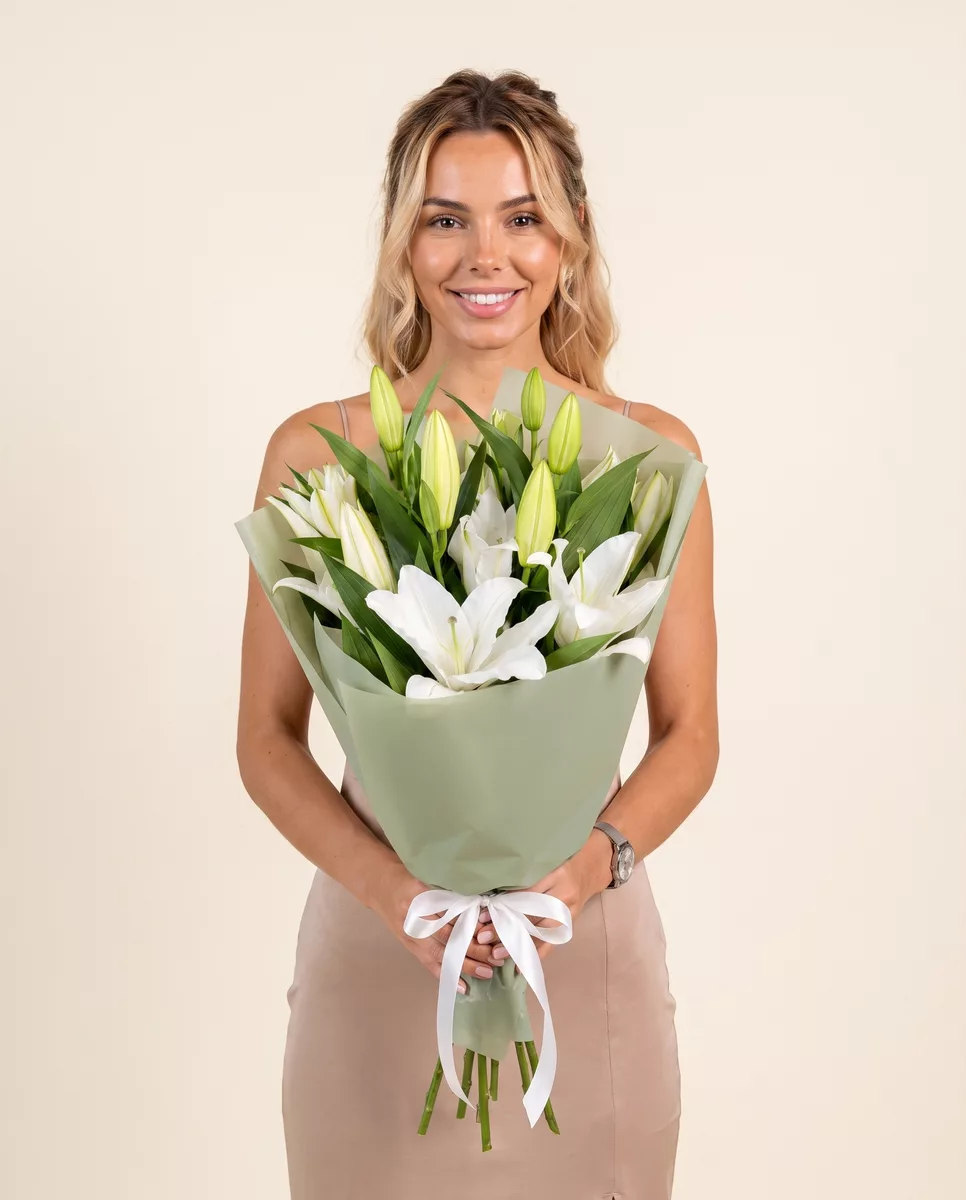
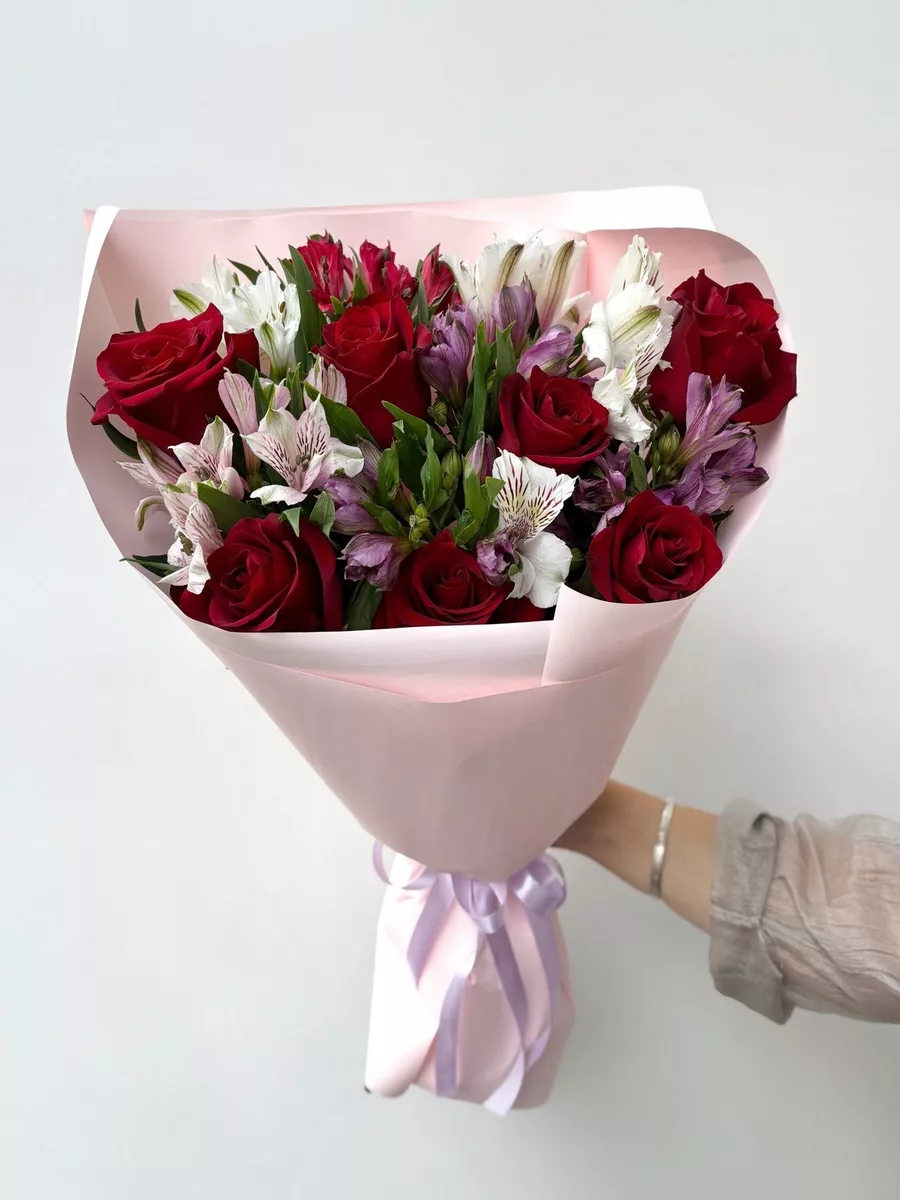
Bouquets we can deliver


Using Your Browser's Built-In Translation to Read the Catalogue
The fastest solution for most visitors is the translation feature built into Google Chrome, Microsoft Edge and Safari on iOS. In Chrome, right-click anywhere on a 5cv.ru page and select Translate to English from the context menu. The browser sends the page text to Google Translate and re-renders it in place, keeping all images, prices and buttons exactly where they are. This works reliably on the catalogue pages, the individual bouquet pages and the checkout form. The translation is not literary — you will see phrases like 'mono-bouquet from spray roses' rendered slightly awkwardly — but the core information you need is accurate enough: stem count, flower variety, approximate dimensions and delivery timing. One thing to check after translating: the variety names. Google Translate sometimes renders роза Ред Наоми as simply 'Red Naomi Rose', which is correct, but it occasionally translates эустома as 'eustoma' rather than 'lisianthus', which can be confusing if you are searching for lisianthus by name. Both refer to the same flower. On mobile Chrome, tap the three-dot menu in the top right corner and select Translate. The process is identical. Edge users on desktop will see a translation prompt appear automatically when the browser detects a page in a language different from the system default. Accept it and the entire site renders in English within two to three seconds. Keep in mind that the translated version is a live overlay: if you reload the page, you may need to trigger translation again.
What the Checkout Form Looks Like and How to Fill It Without Russian
The checkout page on 5cv.ru has a consistent structure regardless of language. At the top you enter the recipient's name and phone number. Below that comes the delivery address: city, street, building number, apartment or office number. Then you choose a delivery window, add a card message if you want one, and proceed to payment. All of these fields accept input in Latin characters, so you can type an address like 'ulitsa Lenina 5, kv. 12' in transliteration and the courier dispatch system will process it correctly. The card message field is particularly useful to know about. Russian florists traditionally include a small paper card tucked into the wrapping, handwritten by the staff. If you type your message in English, the team will transcribe it onto the card exactly as written. There is no requirement to write in Russian. The delivery time selector uses 24-hour format: 14:00 means 2 pm, 20:00 means 8 pm. Delivery windows are typically two hours wide — for example, 12:00 to 14:00 — and the shop operates same-day delivery when orders are placed before the cutoff shown on the product page. Payment accepts major international cards including Visa and Mastercard. The CVV field and the billing address fields behave the same as any European checkout. If your card is issued outside Russia, double-check that your bank has not blocked the transaction as a precaution; this is a bank-side setting, not a site restriction, and a quick call to your card issuer resolves it.
When a Page Appears Entirely in Russian and Translation Fails
Occasionally a page will not translate cleanly. This happens most often with dynamically loaded content — the live stock availability ticker, the delivery zone map and the pop-up that shows remaining stems of a particular variety. These elements are generated by JavaScript after the initial page load, and browser translation tools sometimes miss them because they were not present in the original HTML that was sent to the translation engine. The practical fix is simple: reload the page, let it finish loading completely, and then trigger translation again. Wait for the stock counter to stop refreshing — you will see it settle on a number like '14 stems available' — before you right-click to translate. This two-step approach captures the dynamic content in the translated render. If a specific product page stubbornly shows Russian text in one section, look at the image instead. Every bouquet photograph on 5cv.ru is taken in the studio with the actual flowers used in that composition. The image shows you stem count, approximate size relative to a standard vase, and which varieties are combined. A bouquet photographed with wide garden roses, eucalyptus branches and ranunculus tells you exactly what you are ordering even if the text beneath it is still in Cyrillic. For the delivery zone map, the colour coding is consistent: green zones indicate delivery within one hour, yellow zones within two hours. The map legend uses those two colours regardless of language, so you can read it without any translation at all.
Contacting Support in English and What to Expect
Five Flowers has a customer support team available by phone and via the chat widget on the site. The team works primarily in Russian, but written English messages sent through the chat are handled — the operators use translation tools on their end and respond in Russian, which you can then translate back. This loop is slower than a direct Russian conversation, but it works for the most common requests: confirming stock of a specific variety, adjusting a delivery window, or adding a second address for a split order. Response time in chat during business hours is typically under five minutes. If you are ordering a bouquet with specific requirements — say, you want only white tulips with no filler greenery, or you need the stems cut to a precise length because the recipient owns a particular vase — type that requirement in plain English in the order comment field during checkout. The comment field is read by the assembly team before they begin building the bouquet. Simple requests in English are understood; complex styling notes benefit from a short, direct sentence rather than a long description. One common mistake international customers make is assuming that the default bouquet will include a water vial on the stems for long-distance carrying. For deliveries within Saint Petersburg, the flowers are packed in a humidity-retaining wrap that keeps stems fresh for the transit time, which is under two hours. Ask in the comment field if you need a specific packaging style and the team will accommodate it where stock allows.
Practical Tips for Ordering Flowers on 5cv.ru Without Speaking Russian
Start with the catalogue filter on the left side of the shop page. Even untranslated, the filter uses recognisable icons: a slider for price range, checkboxes for colour swatches and a stem-count selector. These are visual controls that do not depend on reading Russian. Set your budget range first, then filter by colour if the recipient has a preference, and the catalogue will narrow to a manageable selection. The product photographs are your most reliable guide at this stage. Once you have chosen a bouquet, click through to the product page and translate it. Check three things: the variety list, the stem count and the freshness note. The freshness note tells you how many days the flowers will last under normal indoor conditions — typically 15 to 20 degrees Celsius, away from direct sun and heating vents. Roses and tulips are sensitive to heat; lisianthus and chrysanthemums are more forgiving. If you are ordering for a recipient who keeps their home warm, mention it in the comment field and the team may suggest a more heat-tolerant composition. Delivery timing is the other variable to confirm. The site shows available windows for the current day and the next two days. If you are ordering from a different time zone, remember that the site operates on Moscow Time (UTC+3). A 10:00 am delivery slot in Saint Petersburg is 7:00 am UTC, which matters if you are placing the order from Western Europe the evening before. The checkout page shows the current Moscow Time in small text next to the delivery window selector, which is the easiest way to orient yourself without converting mentally.
The 5cv.ru website is built in Russian, but none of that stands between you and a completed order. Browser translation handles the catalogue and checkout reliably, the form fields accept Latin input, and the support team can work with written English through the chat. The one habit worth developing before you order is to translate the page after it has fully loaded, so that the dynamic stock and timing information is captured in the render. Everything else — variety names, stem counts, delivery windows, card messages — follows the same logic as any other flower shop, just written in Cyrillic until you ask your browser to change that. We deliver bouquets across Russia in 1–2 hours.
Frequently asked questions
Does 5cv.ru have a built-in English language toggle on the site?
There is no native language toggle on 5cv.ru. The site is published in Russian. The most reliable way to read it in English is to use your browser's built-in translation feature — right-click on the page in Chrome and select Translate to English, or accept the automatic prompt in Microsoft Edge. The translation renders in seconds and covers all catalogue and checkout pages.
Can I write the delivery card message in English?
Yes. The card message field on the checkout page accepts English text. The assembly team reads the comment before preparing the bouquet and transcribes the message onto the paper card exactly as you typed it. There is no requirement to write in Russian. Keep the message under two or three short sentences so it fits neatly on a standard florist card.
Will my international credit card work on the 5cv.ru checkout?
Visa and Mastercard issued outside Russia are accepted at checkout. If the payment is declined, the most common cause is a security block set by your own bank rather than a restriction on the site. Call your card issuer, confirm you are making an international online purchase, and retry. The checkout page uses standard card fields and does not require a Russian billing address.
How do I know which delivery time zone the site uses when I order from abroad?
All delivery windows on 5cv.ru are shown in Moscow Time, which is UTC plus three hours. The checkout page displays the current Moscow Time next to the delivery window selector. If you are ordering from Western Europe or another region, use that displayed time as your reference point rather than converting from your local time, to avoid selecting the wrong slot.
What should I do if the stock availability counter on a product page does not translate?
Stock counters and other dynamically loaded elements sometimes miss the first translation pass because they load after the initial page render. Let the page finish loading completely — wait for the stem counter to settle on a fixed number — then trigger browser translation again. The second pass captures the dynamic content. If one section still shows Russian, the product photograph gives you the essential composition information visually.
Ready to send a bouquet?
Pick a city, choose the flowers, and we will hand them over with a photo confirmation.
Choose a city →