
Bouquet Photo Before Delivery: Timing, Process and What You Will See
The most common message we get after an order is placed is some version of: can you send me a photo before the courier leaves? It is a completely reasonable thing to ask, and the answer is yes — but with a few conditions worth understanding before you expect the image to arrive. This article explains exactly when the photo is taken, what it shows, how to make sure you receive it, and what to do if something in the image does not match what you ordered.
When the Photo Is Taken During Assembly
The bouquet photo is taken at the end of assembly, not at the beginning. A florist builds the arrangement — stems cut at an angle under water, foliage stripped to the binding point, flowers positioned by height and density — and only once the wrapping is finished does the photo happen. For a standard order this means the image is ready roughly 20 to 40 minutes before the scheduled delivery window opens. If you ordered for a 14:00 arrival, the photo typically reaches you between 13:20 and 13:40. That window is tighter on busy days: February 14th, March 8th, and the period around May 9th all compress assembly time significantly, and photos may arrive closer to the start of the delivery window rather than well ahead of it. The photo is taken under the shop's working light, which is bright and neutral — it is a documentation shot, not a styled editorial image. You will see the actual flowers, the actual wrapping paper or fabric, and the actual ribbon or twine used. What you will not see is the full stem length, because the bouquet is already wrapped and held upright. Roses such as Explorer or Quicksand, spray chrysanthemums, lisianthus, and ranunculus all photograph clearly in this format. Flowers with very fine texture — gypsophila, waxflower, mimosa — can look denser in the photo than they appear in person, which is worth knowing so you are not surprised when the bouquet arrives looking slightly more open and airy than the image suggested.
Bouquets we can deliver
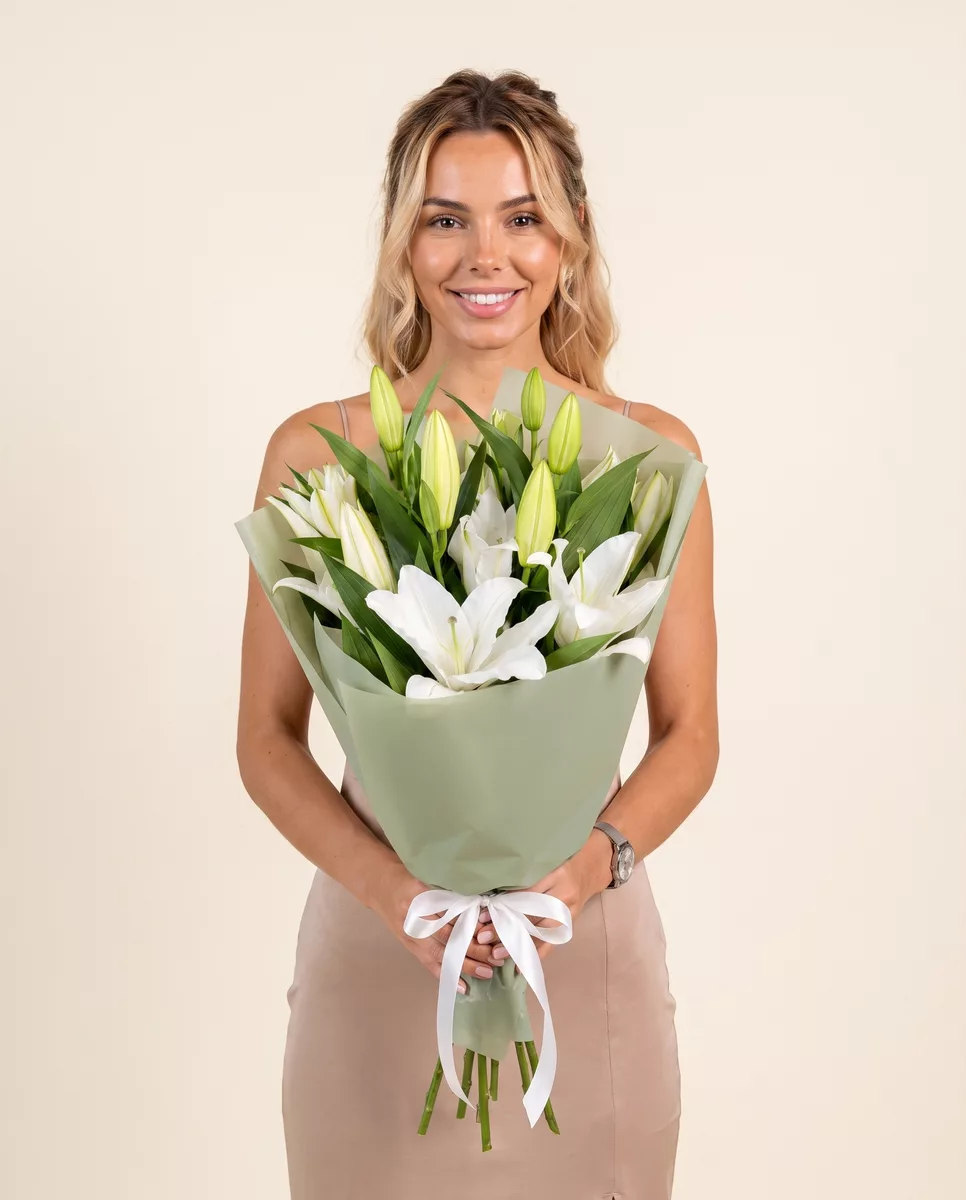
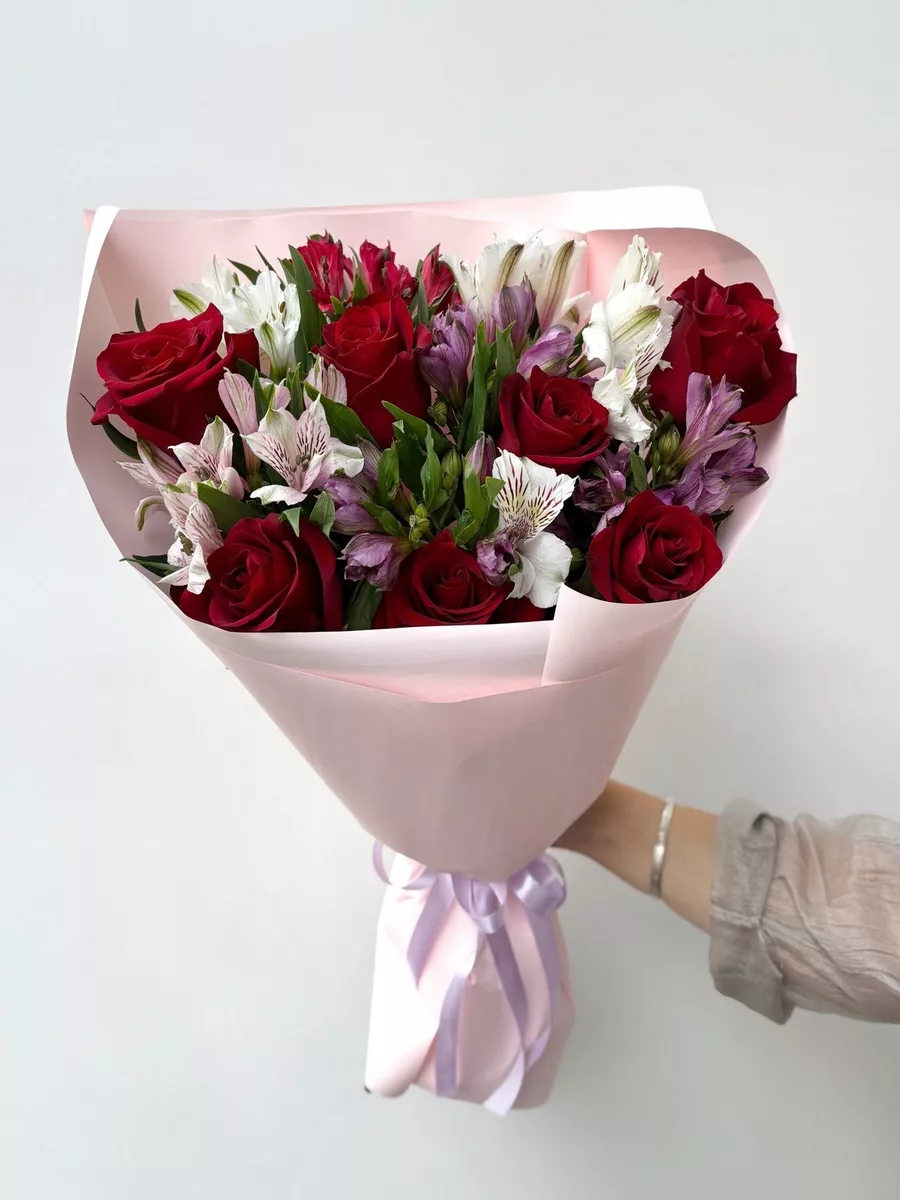
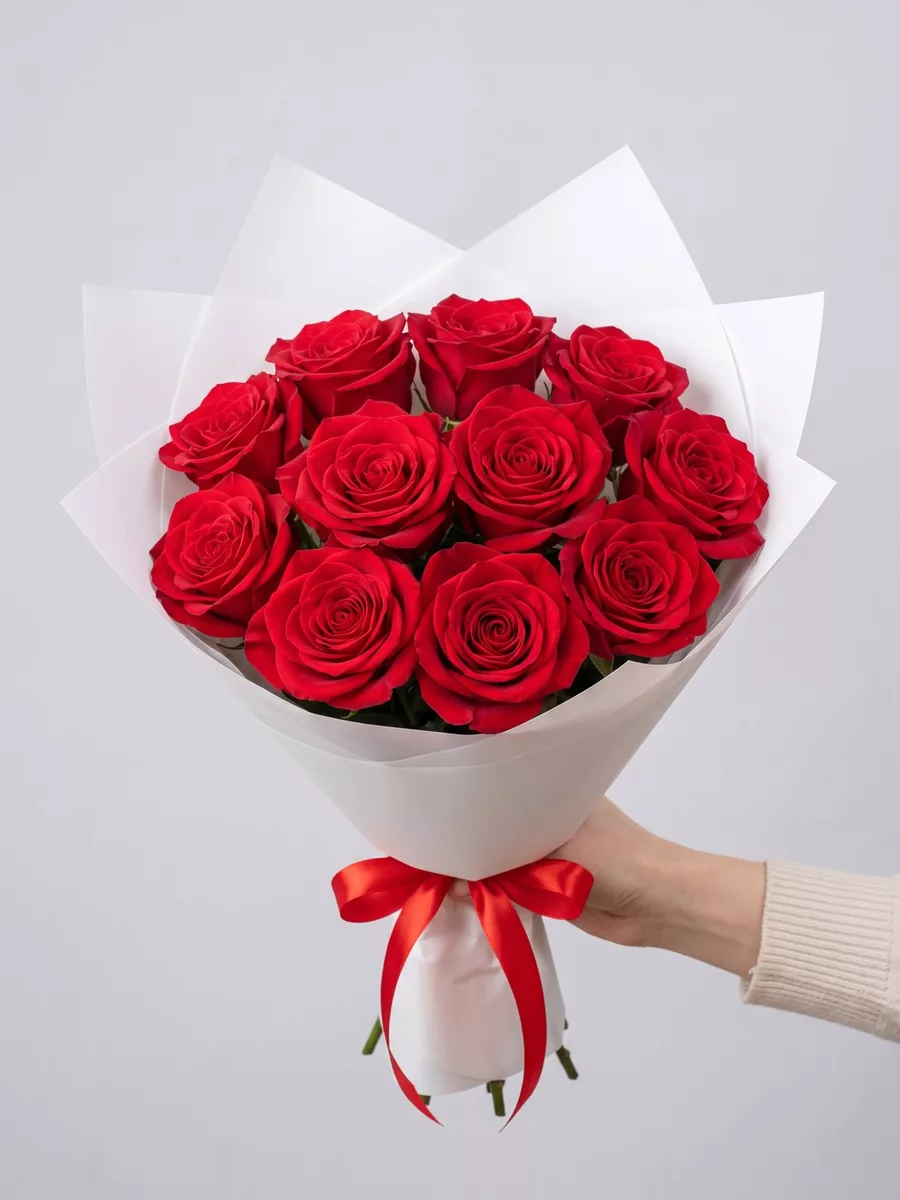

How to Request a Photo and Where It Is Sent
The simplest way to request a photo is to add a note in the comment field at checkout. Write it plainly: 'Please send a photo of the bouquet before dispatch.' That instruction goes directly onto the assembly slip and the florist on shift will know to photograph and send before handing the order to the courier. If you have already placed the order and forgot to add the note, call or message us on WhatsApp with your order number and we will add the flag manually — provided the order has not yet moved to active assembly. Once it is on the workbench, interrupting the process to chase a confirmation message creates errors, so do it as early as possible. The photo is sent to the phone number attached to your order by default. If you want it sent to a different number — for example, you are the sender and want the recipient to receive it, or you want it sent to you and not the recipient — specify that clearly in the comment. We do not send the photo to the recipient automatically unless you ask, because in most cases the bouquet is a surprise and an image arriving on the recipient's phone thirty minutes before the courier does rather defeats the purpose. If you want confirmation for yourself without spoiling the surprise, simply make sure your own number is the contact number on the order.
What the Photo Will and Will Not Show You
The photo shows the completed, wrapped bouquet held vertically, usually against a neutral background — a section of the workbench or a plain wall. You will see the flower faces clearly: whether the roses are fully closed buds or have begun to open, whether the peonies are in the tight cabbage stage or have started to unfurl, whether the tulips are upright or already showing their characteristic lean. This is genuinely useful information. If you ordered closed tulip buds and the photo shows them already open at the tip, that is worth flagging before the courier leaves. What the photo does not show is the back of the bouquet, the stem ends, or the full proportions relative to a human hand. Bouquets always look smaller in photos than in real life, and customers frequently message to say the arrangement looked modest in the image but was much larger on arrival. This is normal. The wrapping also compresses the visual impression — a bouquet wrapped in several layers of kraft paper and tied with a wide satin ribbon will look bulkier and less floaty than the same flowers would look unwrapped. Seasonal flowers behave differently in photos too. Anemones with their dark centres photograph with high contrast and look dramatic. Freesia clusters can look sparse in an image because the individual florets are small. If you are ordering something you have not ordered before and are uncertain how to read the photo, message us and a florist will describe what you are looking at.
What to Check in the Photo Before You Approve Delivery
Most customers look at the photo and reply with a thumbs up within two minutes, which is fine. But if you want to use the photo properly, here is what to actually check. First, look at the flower count. If you ordered fifteen stems and the bouquet looks like it might be ten, ask. Counting is harder once the bouquet is wrapped, but you can often see the flower faces clearly enough to get a rough number. Second, check the colour. Screen calibration varies, but a significant difference — you ordered white roses and the photo shows cream or blush — is worth querying. Explorer roses are a warm ivory that photographs almost white in bright light; Avalanche roses are a cooler white that photographs cleanly. If colour accuracy matters for your event or setting, mention it in your original order note. Third, look at the wrapping. We confirm the paper and ribbon choice from the order, but if you requested a specific colour combination and the photo shows something different, that is the moment to catch it — not after delivery. Fourth, check freshness indicators: petals should look smooth and firm, not translucent or bruised at the edges. Lisianthus petals are thin and can look delicate in photos without any actual damage, but a rose petal that looks water-soaked in the image is a real signal. Finally, if the photo arrives and you have a question, respond to the message you received it on. The florist on shift monitors that channel until the order is dispatched.
When a Photo Is Not Possible or Arrives Late
There are situations where the photo either cannot be sent before dispatch or arrives with less lead time than usual. The most common is a very short delivery window: if you order for delivery within the next 45 minutes, the courier may leave before a photo exchange can complete. In that case we prioritise getting the flowers to you fresh rather than holding the order while waiting for a reply. Same-day orders placed within two hours of the requested delivery time fall into this category regularly. We will still photograph the bouquet and send the image, but it may arrive while the courier is already en route. On peak days — the week before March 8th is the clearest example — the assembly line is running at full capacity and photo confirmation may be sent without waiting for your reply before dispatch. We flag this in advance when possible. Another situation is orders that include flowers with a very narrow freshness window, such as open garden peonies in warm weather or fully open ranunculus in summer. Holding a finished bouquet at room temperature while waiting for a customer to respond to a photo can affect the flowers, particularly if the response takes more than fifteen or twenty minutes. In these cases we photograph, send, and dispatch — and note in the message that the order is on its way. If you are ordering temperature-sensitive flowers in summer months, acknowledge this in your order note so we can manage the timing together.
If the Bouquet in the Photo Does Not Match Your Order
This happens rarely, but it does happen. The most common mismatch is a substitution that was not communicated clearly: a variety listed in your order was not available that morning and a florist substituted without updating the message. If you see flowers in the photo that do not match what you ordered — you asked for coral charm peonies and the photo shows white — reply immediately with the specific discrepancy. Do not send a general 'this looks different' message; name what you see and what you expected. That gives the florist on shift the information needed to either correct the bouquet before dispatch or explain the substitution with proper detail. A second category of mismatch is wrapping or colour scheme. If you specified burgundy paper and receive a photo showing blush pink, that is correctable before the courier leaves provided you respond within a few minutes of receiving the image. The third category is size or stem count. If the bouquet in the photo looks significantly smaller than what you paid for, ask for a count or a comparison reference — the florist can hold a ruler or a standard stem next to the bouquet for a second photo. What we cannot do is rebuild a bouquet from scratch based on a vague preference shift after you see the photo — 'I thought I would like this but now I want something different' is not a correction, it is a new order. The photo confirmation process exists to catch genuine errors, and we take those seriously and fix them quickly.
Getting a photo before delivery is a straightforward part of ordering from Five Flowers — request it in the comment field, make sure your contact number is correct, and respond to the image promptly if you have a question. The photo is a working document, not a catalogue shot, and it gives you real information: flower condition, colour accuracy, wrapping, and approximate count. Use it to check those things specifically, and if something does not match your order, say so clearly and immediately. The bouquet is still in the shop at that point, and a real florist is on the other end of that message. We deliver bouquets across Russia in 1–2 hours.
Frequently asked questions
Is the bouquet photo sent automatically or do I have to request it?
You need to request it. Add a note in the comment field at checkout saying you want a photo before dispatch. If you forget, contact us with your order number as soon as possible — once assembly has started it becomes harder to add the flag without disrupting the process.
Can the photo be sent to the recipient instead of me?
Yes, but you must specify this in your order comment. By default the photo goes to the contact number on the order, which is usually the sender. If you want the recipient to receive it, or if you want to keep it from the recipient entirely, write that instruction clearly when you order.
What if I do not respond to the photo in time?
On standard orders we wait a few minutes for a response before dispatching. On same-day rush orders or during peak periods we may dispatch while waiting, and will note this in the message. If you have concerns after seeing the photo, reply immediately — the florist monitors the channel until the order leaves the shop.
The bouquet looks smaller in the photo than I expected. Should I be worried?
Almost certainly not. Wrapping compresses the visual impression significantly, and all bouquets photograph smaller than they appear in person. If you are genuinely concerned about stem count, ask the florist to confirm the number or take a second photo with a reference object alongside the bouquet.
Can I request a photo if I am ordering well in advance, say a week ahead?
Yes. The photo is taken at the time of assembly, which happens on the delivery day, not when you place the order. Your request note stays attached to the order and the florist assembling it on the day will see the instruction and photograph accordingly.
Ready to send a bouquet?
Pick a city, choose the flowers, and we will hand them over with a photo confirmation.
Choose a city →